Open source
Goo Engine
Our fork of Blender, built for 3D anime. It adds the shading, shadow and compositing control the anime look needs.
Looking for a Goo Engine expert? Hire the studio who made it →
Why a fork, not an add-on
Blender add-ons are written in Python. Blender's render logic is written in C. Changing how Blender renders means changing the C code, and that means a fork.
We weren't sure a small YouTube studio could keep a fork up to date. We built it anyway, and it was worth it. We use it every day, add features when a shot needs them, and keep it in step with Blender.
This shot would not be possible without Goo Engine.


Our most powerful feature
Screenspace Info
The Screenspace Info node lets a material read the scene's color and depth around it. That opens up effects Blender can't do on its own: rim lights and outlines from depth, refraction and distortion FX, soft edges where surfaces meet, and our screenspace shadows.
Screenspace shadows are shadow shapes built as geometry and drawn onto the surface behind them, never past the silhouette. They can follow the rig or the surface, and react to light through the Shader Info node.
Curvature · Cavity
Procedural highlights
The Curvature node finds edges, creases and the silhouette on the fly, so edge highlights and rim lights come from the geometry itself. Fully 3D, with no projection mapping and no painting. It's one of the features artists use most.


Shader Info · Light groups
Shading you can direct
The Shader Info node reads diffuse shading, cast shadows, self shadows and ambient light inside your materials. Set shadow intensity and color, or calculate shadows as if the light came from somewhere else.
Light groups give each character or object its own set of lights, so a face can be lit for the drawing while the scene is lit for the mood. We built them for Goo Engine first. Blender now has the same idea as Light Linking in EEVEE Next, and we helped bring it in.

Blender Conference 2022
Built for us, released for everyone
After two years of development, we released Goo Engine at Blender Conference 2022, open source. It has now become one of the leading solutions for stylized rendering.
Watch the talks


We're changing Blender forever · 5 min · 341K views
Upstream
Our work in Blender itself
We've worked with Blender directly to help guide the future of NPR in official Blender.
Learn it
More on ProfessorGoo →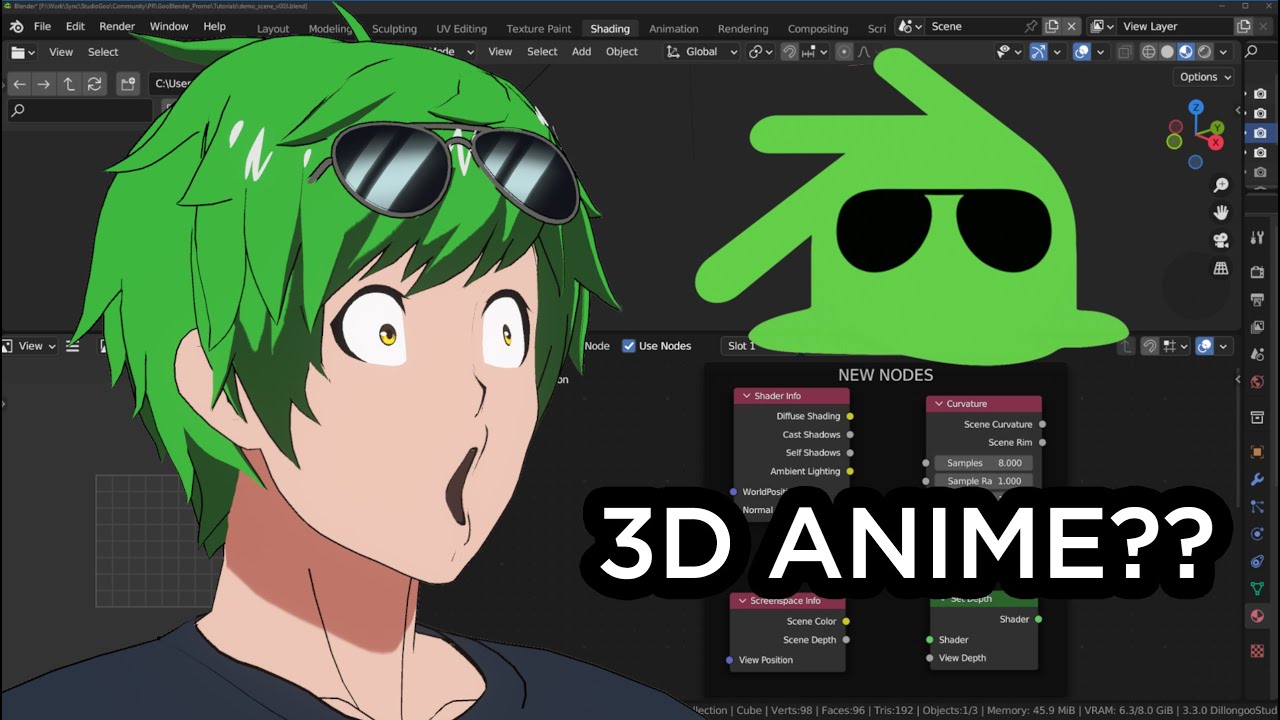


Help and updates
Made with Goo Engine


We use it too.
Every DillonGoo Studios project is made with Goo Engine. Need anime-style 3D for a game, music video or trailer? We take on client work.